 RidePace
速度没有显示或不准确
请确认 iPhone 的定位服务已开启,并允许 RidePace 使用定位。到室外开阔处等待 GPS 定位;高楼、室内和天气可能影响定位精度。
RidePace · Support
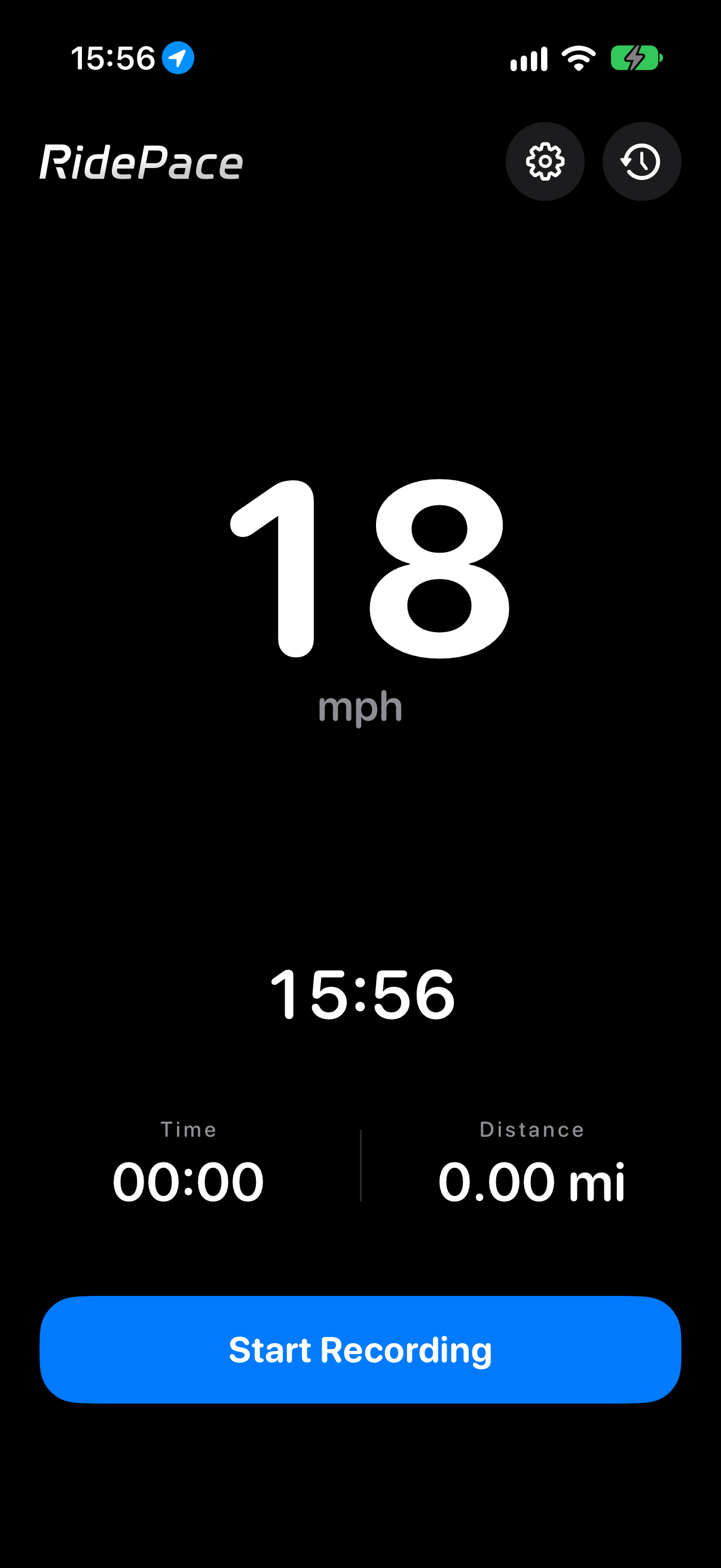
RidePace turns your iPhone into a cycling speedometer. Find answers about location, ride recording, the one-time unlock, and backups.
Contact support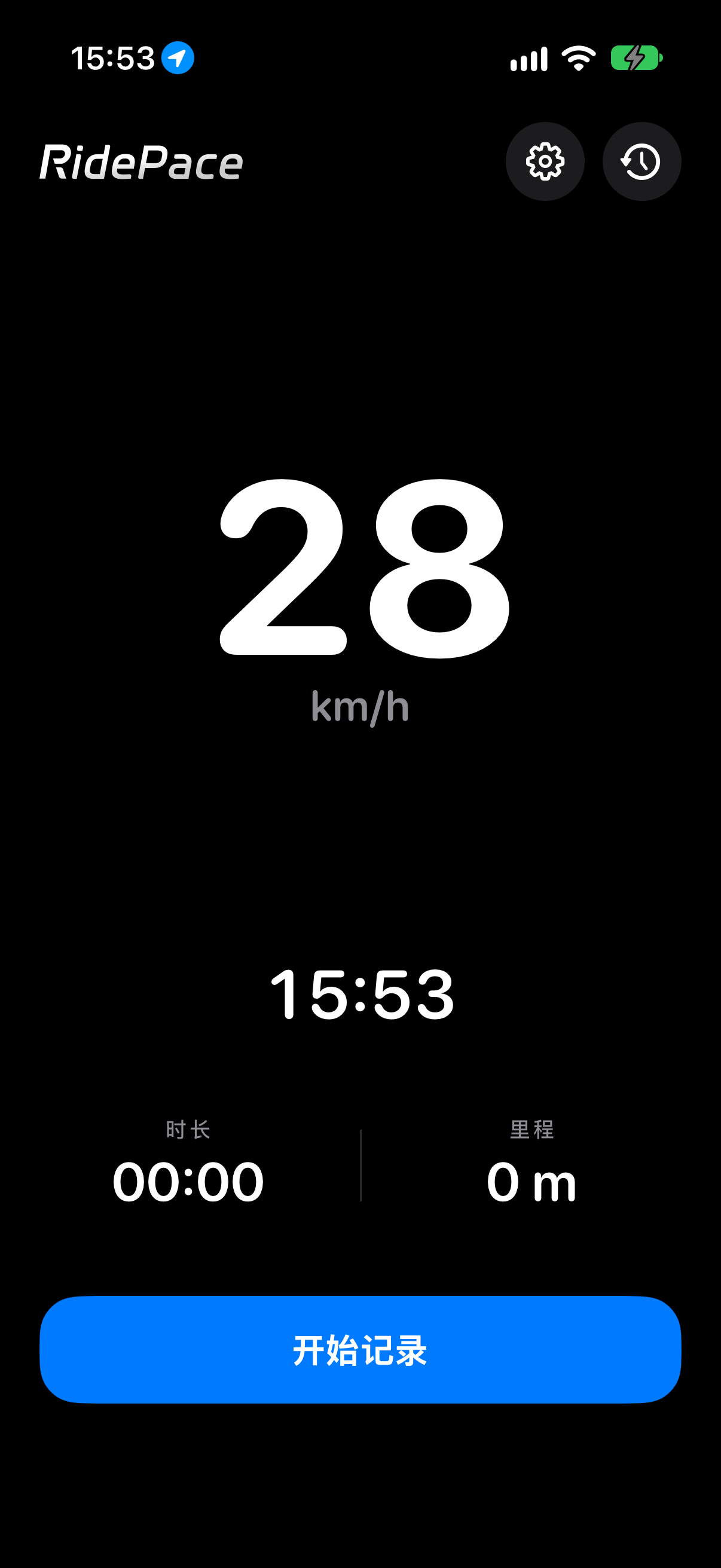
快速找到最常用的设置与操作。
请确认 iPhone 的定位服务已开启,并允许 RidePace 使用定位。到室外开阔处等待 GPS 定位;高楼、室内和天气可能影响定位精度。
会。先在 RidePace 中开始记录,记录期间定位会在后台继续。停止记录后,后台定位也会结束。
打开 iPhone「设置」→「隐私与安全性」→「定位服务」,确认总开关已打开,并在列表中找到 RidePace。系统首次使用时也会显示权限提示。
一次买断可解锁现有和未来的付费表盘,并包含换机备份导入与导出。付款由 Apple App 内购买处理;价格以 App Store 页面显示为准。
在 RidePace「设置」页点击「恢复购买」,并使用当初购买时的 Apple 账户。恢复购买由 Apple 处理。
买断后,在行程列表中打开导入或导出菜单,先将备份保存到文件,再在另一台设备上导入。文件只会在你主动分享或保存时离开设备。
Make sure Location Services is on and RidePace has location access. Try waiting for a GPS fix outdoors with a clear view of the sky. Buildings, indoor use, and weather can affect accuracy.
Yes. Start a ride in RidePace first. Location continues in the background while that recording is active and stops when you stop the ride.
On iPhone, open Settings → Privacy & Security → Location Services. Make sure Location Services is on, then find RidePace in the app list. iOS also shows a permission prompt the first time location is needed.
It unlocks current and future paid dials, plus ride backup import and export when changing devices. Apple handles in-app payment. The price shown on the App Store is the current price.
Tap Restore Purchases near the bottom of RidePace Settings and use the Apple Account that made the original purchase. Apple handles the restore process.
After unlocking, open the import or export menu in ride history. Save a backup file, then import it on the other device. The file leaves your device only when you choose to share or save it elsewhere.
联系时请说明 iOS 版本、RidePace 版本和问题出现步骤。请勿附上不必要的精确位置或完整行程。
Include your iOS version, RidePace version, and the steps that led to the issue. Please leave out precise location or full ride details unless they are needed.